The Ultimate Guide to Cloud Security Best Practices
Migrating to the cloud offers numerous benefits: scalability, cost savings, and increased agility, to name a few. However, this shift also introduces new security challenges. Simply assuming that your cloud provider handles all security aspects is a dangerous misconception. Effective cloud security is a shared responsibility, and understanding and implementing the right best practices is paramount to protecting your sensitive data and maintaining business continuity. This guide provides a comprehensive overview of the key strategies you need to adopt to secure your cloud environment.
Understanding the Shared Responsibility Model
Before diving into specific best practices, it's crucial to understand the shared responsibility model. This model defines the security obligations between the cloud provider and the customer. Typically, the provider is responsible for the security of the cloud (infrastructure, physical security, etc.), while the customer is responsible for security in the cloud (data, applications, access management, etc.). This division isn’t always clear cut, so understanding your specific cloud provider's terms and your organization’s security requirements is critical.
Key Cloud Security Best Practices
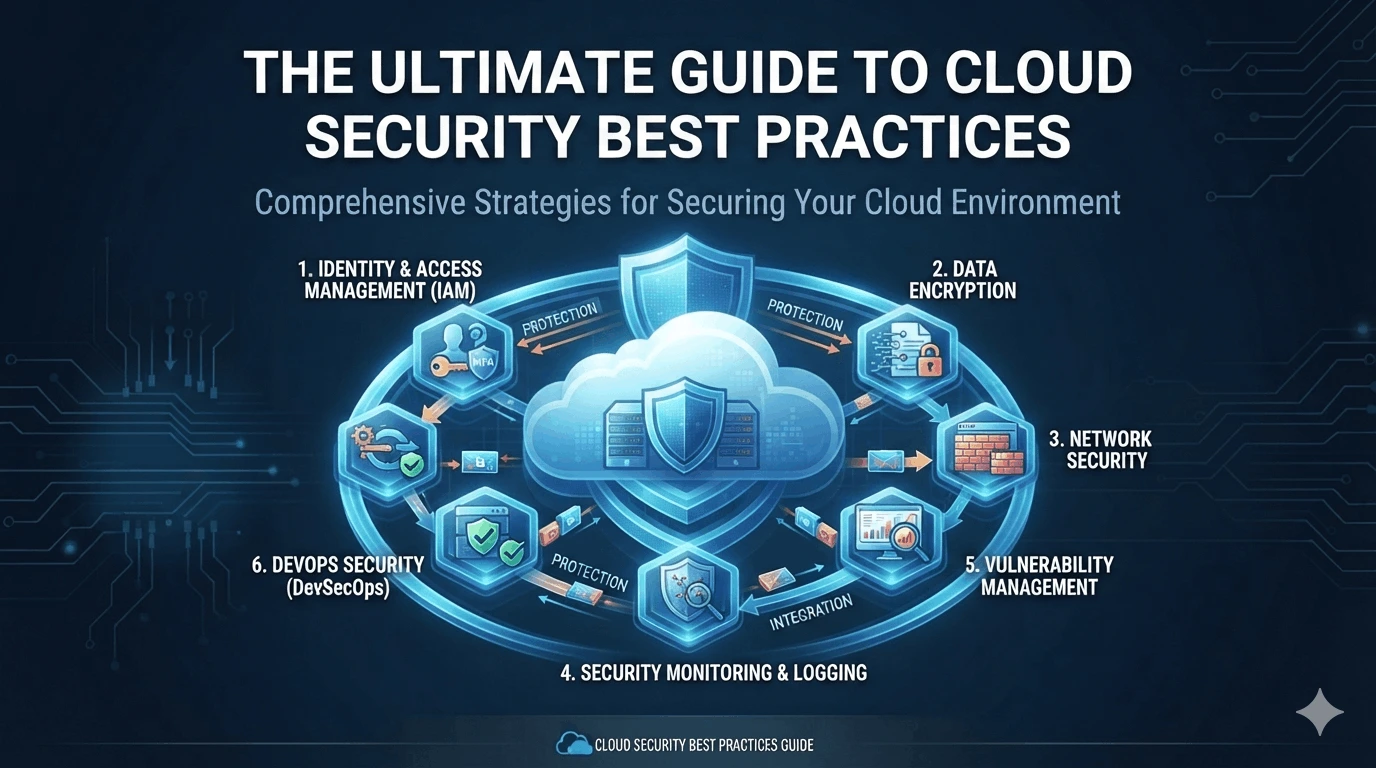
Here are some essential cloud security best practices you should implement:
1. Identity and Access Management (IAM)
IAM is the cornerstone of cloud security. Proper IAM implementation ensures that only authorized users and services have access to specific resources. Key considerations include:
Principle of Least Privilege: Grant users only the minimum necessary permissions to perform their jobs. Avoid overly broad access rights. For example, a developer shouldn’t have administrative access to a production database.
Multi-Factor Authentication (MFA): Enable MFA for all user accounts, especially those with privileged access. MFA significantly reduces the risk of account compromise. Imagine a scenario where a password gets compromised; with MFA, the attacker still needs a second factor, such as a code from a mobile device, to gain access.
Regular Access Reviews: Conduct periodic reviews of user access rights to identify and remove unnecessary permissions. As employees change roles or leave the company, their access rights should be promptly updated.
Role-Based Access Control (RBAC): Implement RBAC to assign permissions based on job roles. This simplifies access management and ensures consistency.
2. Data Encryption
Data encryption is essential for protecting data both at rest (stored) and in transit (being transferred).
Encryption at Rest: Encrypt sensitive data stored in cloud storage services, databases, and virtual machines. Use strong encryption algorithms and manage encryption keys securely. For example, using AES-256 encryption for data stored in S3 buckets.
Encryption in Transit: Use HTTPS/TLS to encrypt data transmitted between your applications and the cloud, and between different cloud services. Ensure all communication channels use secure protocols.
Key Management: Implement a robust key management system to securely generate, store, rotate, and manage encryption keys. Cloud providers offer key management services like AWS KMS and Azure Key Vault.
3. Network Security
Proper network configuration is crucial to prevent unauthorized access to your cloud resources.
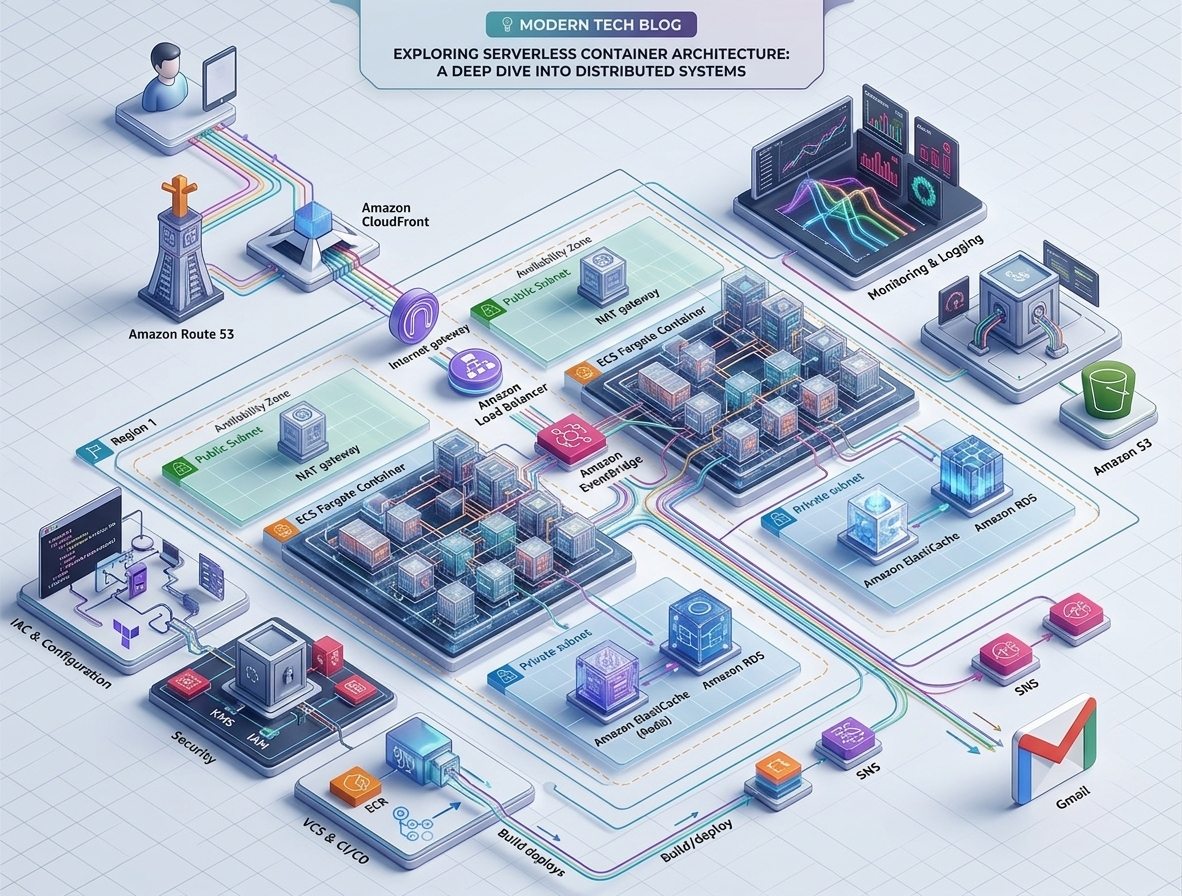
Virtual Private Cloud (VPC): Use VPCs to isolate your cloud resources and create private networks. Think of a VPC as your own private data center within the public cloud.
Security Groups/Firewall Rules: Configure security groups and firewall rules to control inbound and outbound traffic to your cloud resources. Apply the principle of least privilege here as well - only allow necessary traffic.
Network Segmentation: Segment your network into different zones based on the sensitivity of the data and applications they contain. This limits the impact of a potential security breach.
Intrusion Detection and Prevention Systems (IDS/IPS): Implement IDS/IPS to monitor network traffic for malicious activity and automatically block or alert on suspicious events.
4. Security Monitoring and Logging
Continuous monitoring and logging are essential for detecting and responding to security incidents.
Centralized Logging: Collect logs from all your cloud resources in a central location. This makes it easier to analyze and correlate events.
Security Information and Event Management (SIEM): Use a SIEM system to analyze logs and identify potential security threats. A SIEM can correlate events from multiple sources to provide a holistic view of your security posture.
Alerting and Notification: Configure alerts to notify you of suspicious activity. Ensure you have a well-defined incident response plan.
Regular Security Audits: Conduct regular security audits to identify vulnerabilities and ensure compliance with security policies and industry regulations.
5. Vulnerability Management
Regularly scan your cloud resources for vulnerabilities and patch them promptly.
Vulnerability Scanning: Use vulnerability scanners to identify security weaknesses in your applications, operating systems, and infrastructure.
Patch Management: Establish a process for promptly applying security patches and updates. Automate patching where possible.
Regular Penetration Testing: Conduct penetration testing to simulate real-world attacks and identify vulnerabilities that might be missed by automated scans.
6. DevOps Security (DevSecOps)
Integrate security into your DevOps pipeline to ensure that security is considered throughout the entire software development lifecycle.
Automated Security Testing: Automate security testing as part of your CI/CD pipeline. This includes static code analysis, dynamic application security testing (DAST), and software composition analysis (SCA).
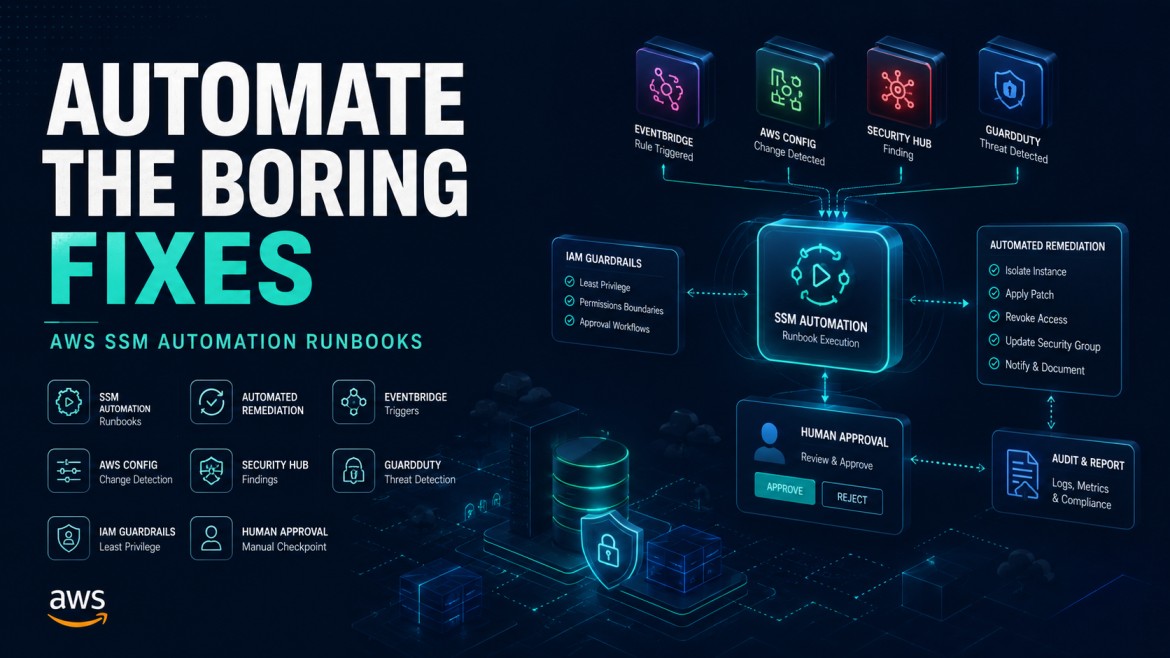
Infrastructure as Code (IaC) Security: Secure your IaC templates to prevent misconfigurations that could lead to security vulnerabilities. Tools like Terraform and CloudFormation should be regularly scanned for security issues.
Security Training for Developers: Provide security training for developers to help them write more secure code.
Choosing the Right Cloud Provider
Selecting a reputable cloud provider with robust security controls is critical. Consider factors such as:
Compliance Certifications: Ensure the provider has relevant compliance certifications such as SOC 2, ISO 27001, and HIPAA (if applicable).
Security Features: Evaluate the security features offered by the provider, such as IAM, encryption, network security, and monitoring tools.
Incident Response Capabilities: Understand the provider's incident response procedures and their ability to assist you in the event of a security breach.
Conclusion
Securing your cloud environment requires a comprehensive and proactive approach. By understanding the shared responsibility model and implementing the cloud security best practices outlined in this guide, you can significantly reduce your risk and protect your valuable data. Remember that cloud security is an ongoing process, and it's essential to continuously monitor, evaluate, and adapt your security measures to address evolving threats and changes in your cloud environment. Investing in robust cloud security not only protects your data but also builds trust with your customers and strengthens your business resilience.