In today's cloud environments, security and operational efficiency aren't competing priorities; they're interdependent. Unpatched systems invite breaches. Manual compliance checks slow teams down. Siloed tooling creates dangerous blind spots across hybrid infrastructure.
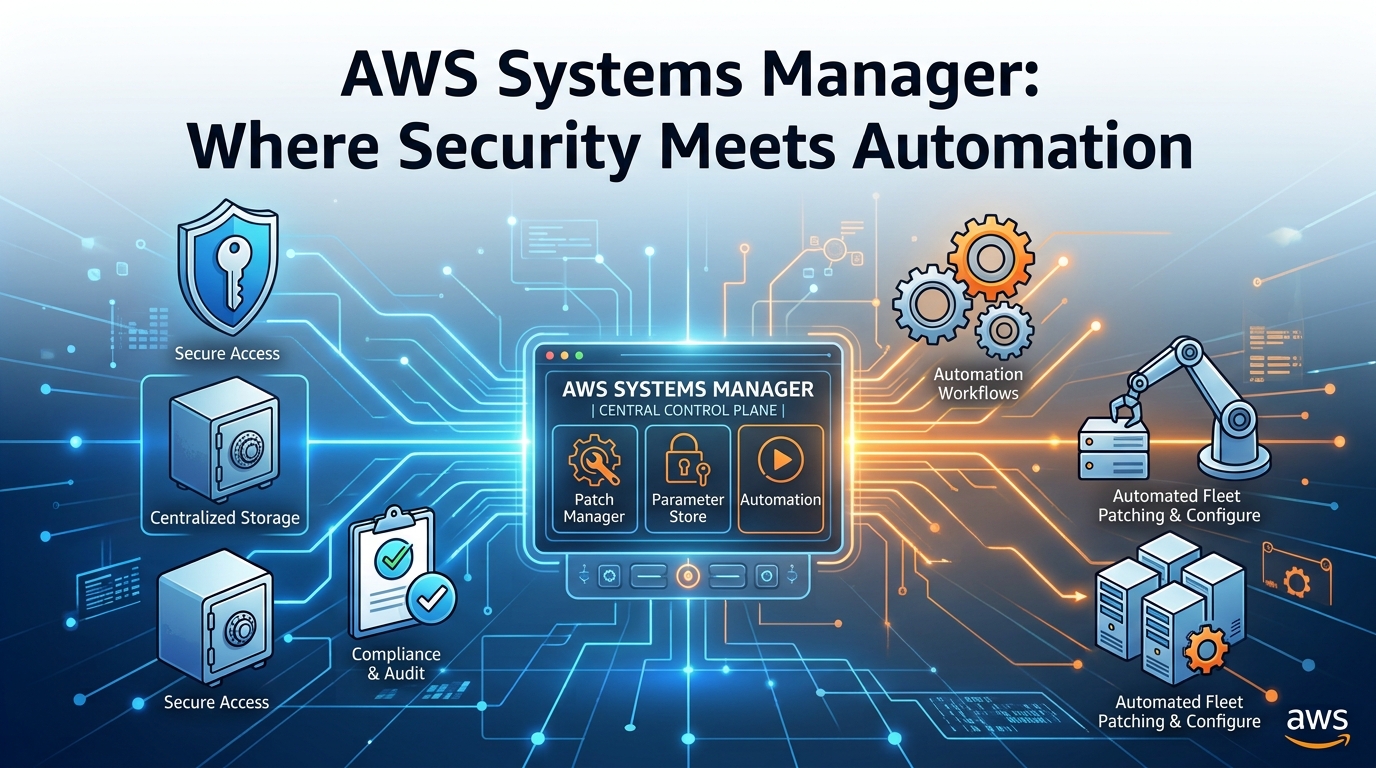
AWS Systems Manager (SSM) bridges these concerns by combining automation, security enforcement, and operational governance into a single platform. Whether you're managing EC2 instances, on-premises servers, or hybrid workloads, SSM gives you the tools to enforce policies, automate compliance, and reduce human error at scale.
Why AWS Systems Manager?
SSM isn't just another management layer. It's a centralized control plane that works uniformly across environments through a single agent, eliminating the need for separate tooling for on-premises versus cloud.
Three things make it stand out:
Unified hybrid management. One SSM Agent spans EC2, on-premises Linux and Windows servers, AWS Outposts, and third-party clouds. This consistency means your security policies and patching workflows apply everywhere, not just to the resources AWS can see.
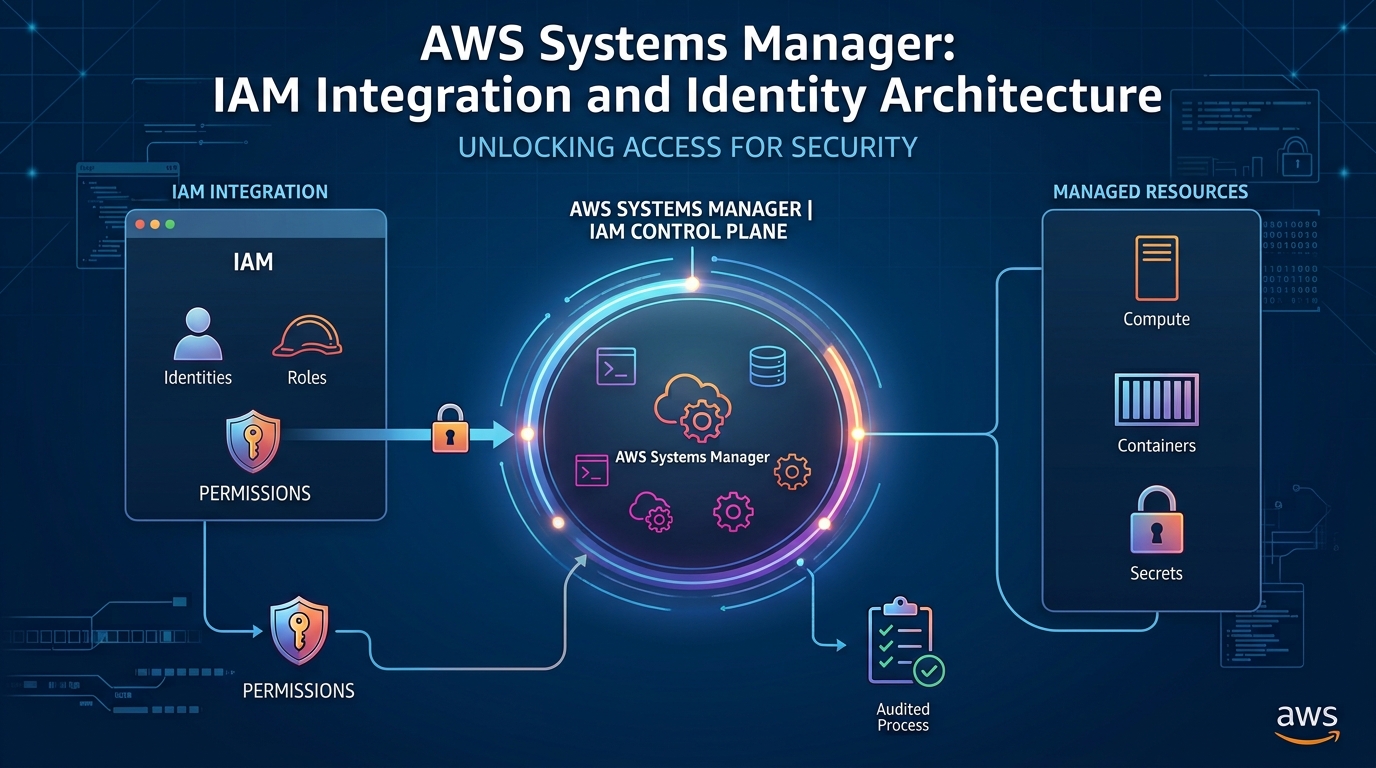
Security-centric automation. SSM integrates deeply with IAM, CloudTrail, GuardDuty, and Security Hub, turning compliance from a periodic audit exercise into a continuous, automated process.
Reduced human error. Manual patching and configuration checks are error-prone and slow. SSM replaces them with repeatable, auditable automation that doesn't skip steps at 2am during an incident.
The Core Features and What They Actually Solve
1. Patch Manager: Close the Window Before Attackers Find It
Unpatched systems are consistently among the top attack vectors. At any meaningful scale, tracking and applying patches manually is simply not viable.
Patch Manager automates OS and application patching across your entire fleet. You define patch baselines predefined or custom and assign servers to patch groups (production, staging, critical infrastructure). Patches are applied during scheduled maintenance windows, and compliance reports are generated automatically for auditors.
The real-world impact is significant. A financial services firm used Patch Manager to ensure all EC2 and on-premises servers running SAP and Oracle were patched within 24 hours of a security bulletin. During incidents like Log4j (CVE-2021-44228), that kind of speed is the difference between exposure and containment.
Best practices: always test patch baselines in a staging environment first, and use AWS Config to validate compliance continuously not just at patch time.
2. State Manager: Stop Configuration Drift Before It Becomes a Breach
Configuration drift is quiet and cumulative. A firewall rule changed here, a logging setting disabled there, individually minor, collectively dangerous. Enforcing consistent configurations across large, dynamic fleets by hand is nearly impossible.
State Manager lets you define desired system states in YAML or JSON documents and enforces them automatically. If a server drifts from the defined state, it's remediated without human intervention.
A healthcare provider uses this to maintain HIPAA compliance across their entire regulated fleet: file integrity monitoring enabled on every server, logs stored in CloudTrail and S3 with server-side encryption, SSH access restricted to bastion hosts only. None of it requires a human to check or fix if the State Manager handles it continuously.
Best practices: store your State Manager documents in SSM Document Store with version control so you have a full audit trail of every change to your desired state definitions.
3. Configuration Compliance: Proof That Your Security Policies Are Actually Working
Auditors don't want your policy documents. They want evidence that the policies are being enforced, consistently, across every system.
Configuration Compliance continuously monitors your fleet against AWS-managed rules, custom policies, and CIS Benchmarks. It gives you a live view of compliance posture not a snapshot from last quarter.
For a retail company maintaining PCI DSS compliance, this means continuously verifying that all database instances enforce TLS 1.2+, unnecessary ports like RDP and FTP are closed, and IAM roles follow least privilege. When something falls out of compliance, an SNS alert fires immediately, not at the next audit.
Best practices: feed Configuration Compliance findings into AWS Security Hub for centralized visibility across your full security posture.
4. Run Command & Automation: Eliminate Persistent Access as an Attack Surface
Every persistent SSH or RDP connection is an attack surface. Credentials can be stolen, sessions can be hijacked, and every open connection is a potential entry point.
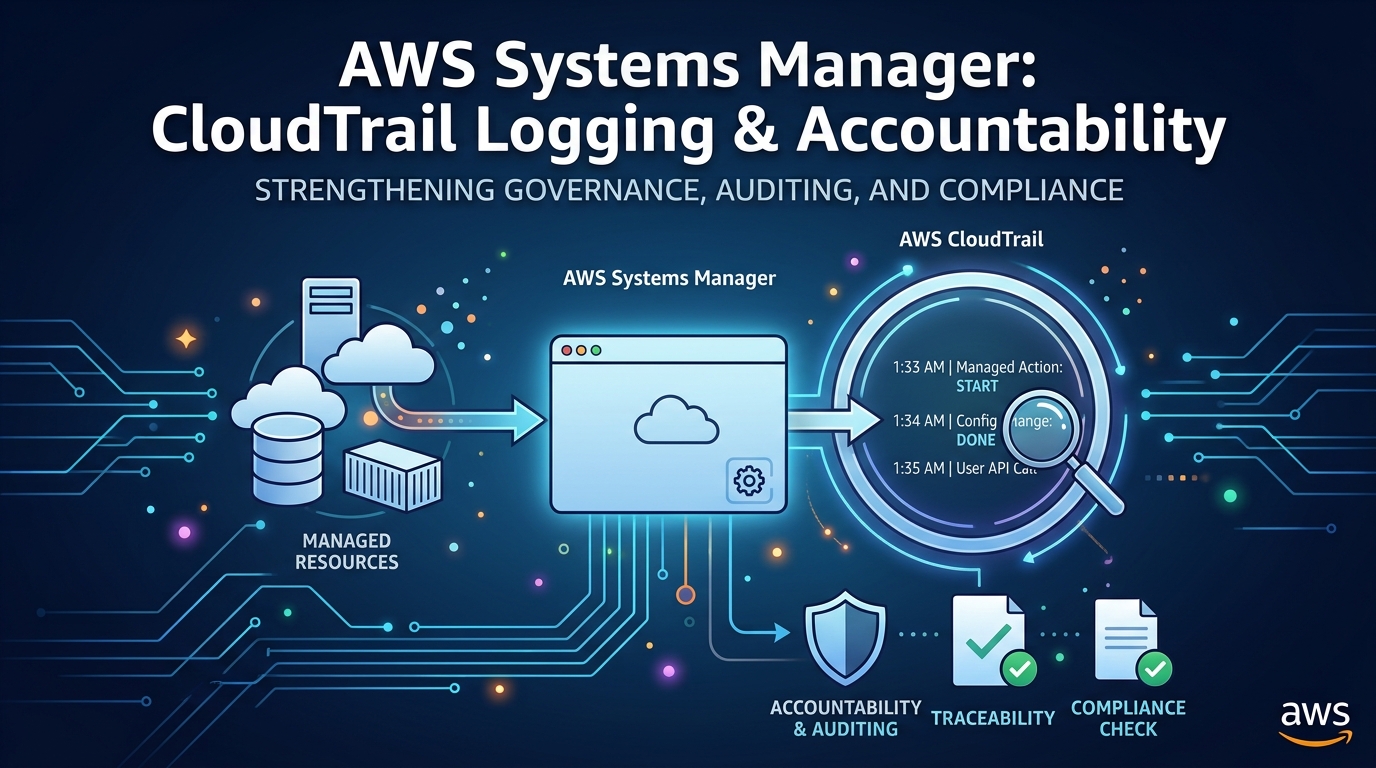
Run Command lets you execute commands across your fleet without persistent access. You define what runs, who can trigger it, and every execution is logged in CloudTrail. For complex multi-step workflows, emergency patching, forensic data collection during a breach, automated remediation of compliance failures, Automation Documents orchestrate the whole sequence.
One DevOps team uses Run Command to rotate SSH keys across all Linux servers, disable weak cryptographic protocols like SSLv3 and TLS 1.0, and collect forensic logs during breach investigations without ever opening a persistent shell connection to a production system.
Best practices: use IAM roles with tight scoping to control who can trigger Run Command actions, and treat CloudTrail logs of every execution as part of your incident response record.
5. Inventory: You Can't Secure What You Can't See
Shadow IT, forgotten instances, and legacy software running on systems no one remembers provisioning these are where breaches start. Manual asset tracking simply can't keep pace with dynamic cloud environments.
SSM Inventory automatically collects and maintains metadata across your fleet: OS versions, installed software and patch levels, network configurations, security groups, and any custom attributes you define. It updates continuously as your fleet changes.
A government agency uses this to identify all systems running end-of-life OS versions like Windows Server 2008 and flag servers with outdated Java runtimes generating audit-ready compliance reports without any manual discovery work.
Best practices: export inventory data to Amazon Athena for advanced querying, particularly useful when you need to answer questions like "which servers are running software version X" at investigation time.
Security Best Practices for Running SSM at Scale
Getting SSM deployed is step one. Running it securely and sustainably requires a few deliberate choices:
Apply least privilege everywhere. SSM Agent should run with scoped IAM roles, never root. Restrict who can trigger Run Command, Patch Manager, and Automation Documents through IAM policies not just through UI access controls.
Centralize your logs. Enable CloudTrail for all SSM API calls. Stream Run Command and Automation logs to CloudWatch Logs. Aggregate everything in the Security Hub. If you can't answer "who ran what, when, on which servers" within five minutes, your logging is insufficient.
Automate incident response, not just operations. Build Automation Documents for your most common security tasks: isolating a compromised instance, rotating credentials, collecting forensic artifacts. Connect GuardDuty alerts to Lambda to trigger these automatically. The goal is a response that doesn't depend on someone being awake and available.
Keep the SSM Agent current. An outdated agent is a vulnerability. Use Patch Manager to include agent updates in your regular patching cycle.
Test before you enforce. Validate State Manager documents and patch baselines in a non-production environment. Use AWS Config to simulate compliance checks before enabling enforcement. A misconfigured remediation document that runs against production at 3am is its own kind of incident.
Case Study: 80% Faster Patching Across 5,00+ Servers
A global financial institution with over 5,00 servers spanning AWS and on-premises was struggling with the manual approach. Patch deployment took too long, compliance reporting was expensive and slow, and incident response during breaches relied on engineers manually SSHing into affected systems.
After implementing SSM:
Patch Manager automated OS and application patching across the entire fleet, reducing deployment time by 80%
State Manager enforced CIS Benchmarks on every server no manual verification required
Run Command replaced direct SSH access for forensic work and emergency response
Configuration Compliance fed Security Hub with continuous posture data, replacing quarterly manual audits
The operational cost savings alone justified the implementation. The security improvements were harder to quantify, but the team went from finding out about patch gaps in audits to catching them automatically, in real time.
Where to Start
AWS Systems Manager turns security and compliance from reactive checklists into proactive, automated guarantees. But you don't need to implement everything at once.
Pick the problem that costs you the most right now. If it's unpatched systems, start with Patch Manager. If it's configuration drift, start with State Manager. If its audit preparation eats weeks every quarter, start with Configuration Compliance.
Each SSM feature is independently valuable and designed to work together as you expand. The platform grows with your maturity and the sooner you start, the more time the automation has to work for you.