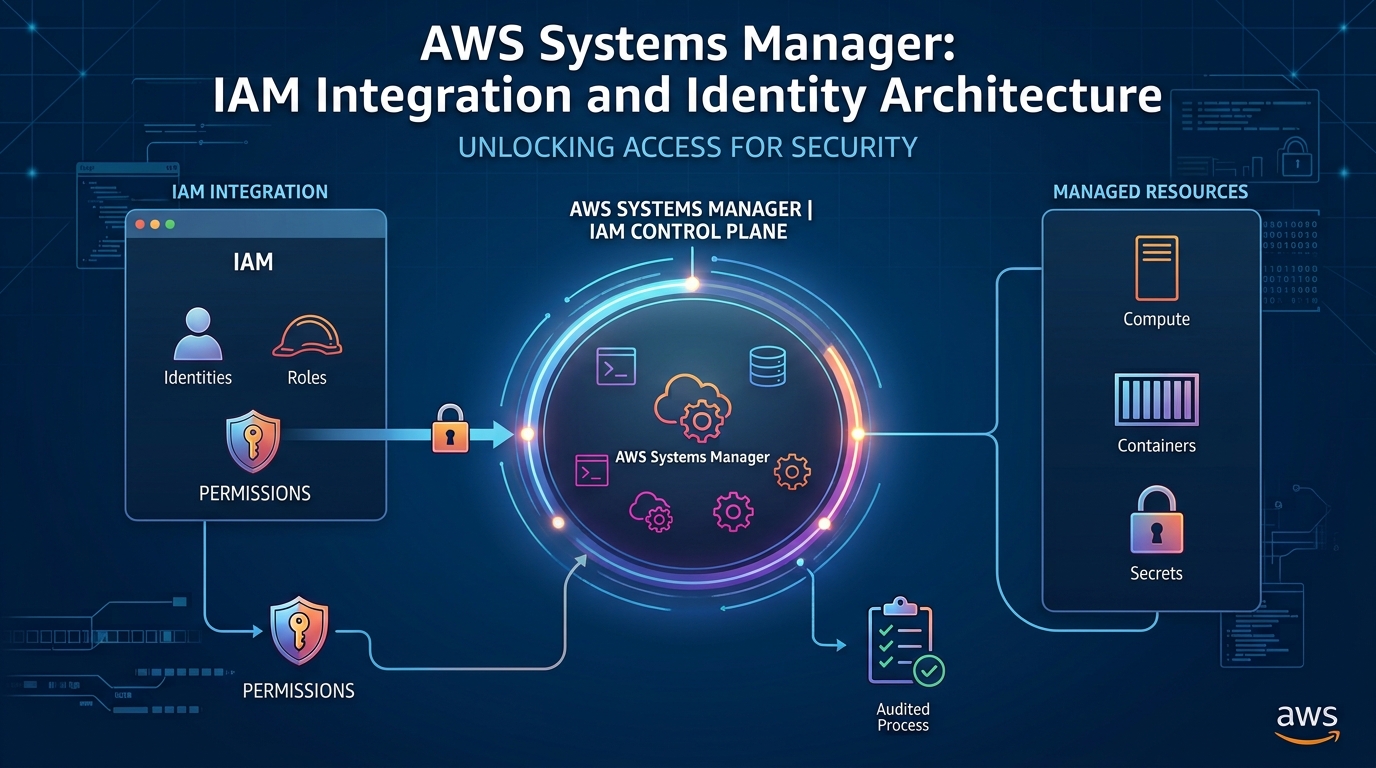
AWS Systems Manager (SSM) operates as the central operational hub for Amazon Web Services, providing visibility and operational control across cloud and on-premises infrastructure. At the core of Systems Manager's security architecture lies AWS Identity and Access Management (IAM). Rather than implementing a proprietary authorization layer, Systems Manager delegates all identity verification, privilege boundaries, and access evaluation directly to IAM.
Understanding how Systems Manager integrates with IAM is essential for building secure automation, maintaining compliance, and enforcing zero-trust access control across server fleets.
Core IAM Integration Mechanisms in Systems Manager
Systems Manager interacts with IAM across three distinct operational layers: Operator Access, Managed Node Identity, and Service Automation Execution.
1. Operator Access (Identity-Based Policies)
Administrators, DevOps engineers, and automated CI/CD pipelines interact with Systems Manager through IAM users, groups, or federated roles (such as AWS IAM Identity Center). IAM identity-based policies define the exact actions operators are permitted to invoke.
Action-Level Control: Fine-grained permissions are managed under the
ssm:namespace (e.g.,ssm:StartSession,ssm:GetParameter,ssm:SendCommand).Resource-Level Scoping: Policies restrict actions to specific Amazon Resource Names (ARNs), preventing operators from executing commands or reading parameters outside their authorized domain.
Contextual Conditions: Administrators can enforce strict constraints using IAM condition keys, such as requiring multi-factor authentication (
aws:MultiFactorAuthPresent), constraining IP ranges (aws:SourceIp), or matching resource tags (ssm:resourceTag/Environment).
2. Node Identity & Instance Profiles (AmazonSSMManagedInstanceCore)
For the AWS Systems Manager Agent (SSM Agent) to securely register and execute commands, managed nodes—whether Amazon EC2 instances, edge devices, or on-premises virtual machines—must assume an IAM role.
EC2 Instance Profiles: An IAM role containing the AWS-managed policy
AmazonSSMManagedInstanceCoreis assigned to EC2 instances via an instance profile. This grants the SSM Agent the minimal permissions required to poll the SSM service, retrieve instruction payloads, and stream command outputs.Default Host Management Configuration (DHMC): Allows organizations to manage EC2 instances at scale by providing a default IAM role for basic Systems Manager capabilities across an account and region, eliminating the manual task of attaching instance profiles to every new server.
Hybrid & On-Premises Nodes: Hybrid environments use IAM service roles created during activation, leveraging temporary AWS security credentials supplied by AWS Security Token Service (STS).
3. Automation Execution Roles (ssm:AssumeRole)
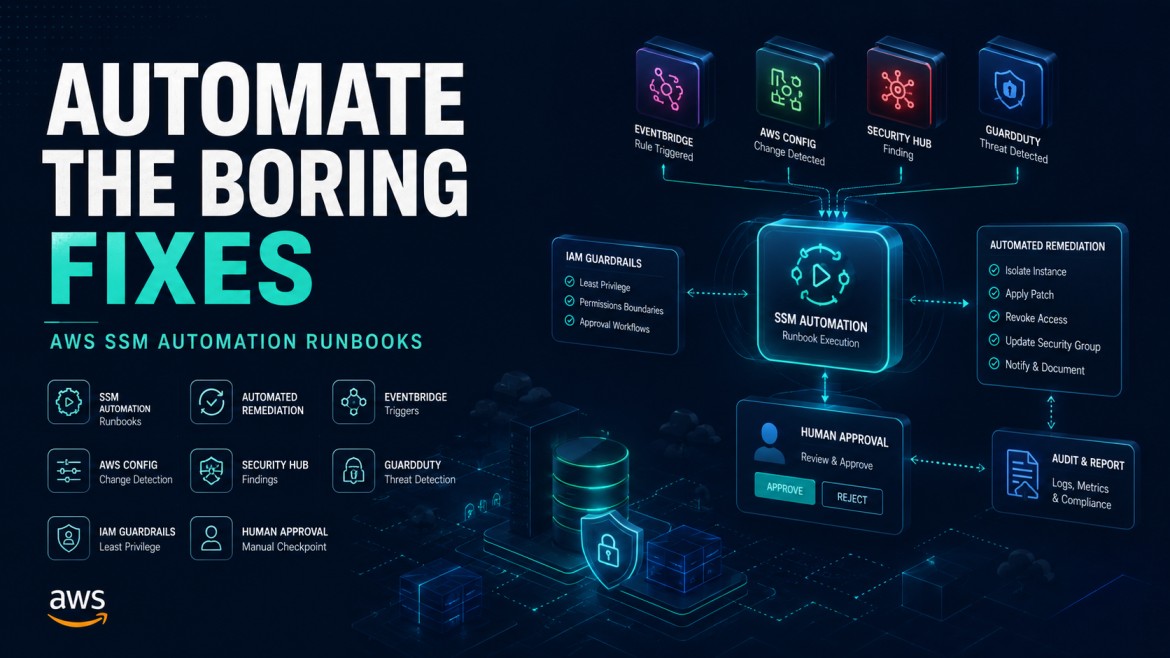
When executing complex multi-step workflows via SSM Automation (e.g., automated patch rollouts, AMI creation, or security group remediation), Systems Manager executes operations using an explicitly defined IAM service role rather than inheriting the caller's permissions.
iam:PassRoleProtection: Users triggering automation must possessiam:PassRolepermissions for the specified execution role, preventing non-privileged users from escalating privileges.Cross-Account Executions: SSM Automation can assume roles in secondary AWS accounts, allowing centralized governance accounts to audit and remediate infrastructure across multi-account AWS Organizations.
4. Service-Linked Roles
Systems Manager leverages Service-Linked Roles (SLRs)—preconfigured IAM roles linked directly to SSM. These roles grant Systems Manager the necessary permissions to call other AWS services on your behalf (such as Amazon EC2, AWS Config, or Amazon CloudWatch) for automated fleet inventory, resource syncs, and compliance tracking.
IAM Controls Across Key Systems Manager Capabilities
Systems Manager ComponentPrimary IAM MechanismKey Security BenefitSession ManagerIdentity policies (ssm:StartSession) + Instance ProfileEliminates SSH keys and open inbound port 22/3389 while ensuring encrypted, IAM-audited interactive access.Parameter StorePath-based policies (arn:aws:ssm:...:parameter/prod/*)Restricts access to application secrets and configuration data using hierarchical resource ARNs and KMS keys.Run Commandssm:SendCommand with tag-based target conditionsExecutes administrative scripts remotely across target fleets without granting persistent direct login credentials.AutomationService AssumeRole (iam:PassRole)Runs complex operational runbooks using scoped execution roles for predictable background execution.Patch ManagerMaintenance Window Service RolesSchedules OS updates and compliance assessments using dedicated service permissions.
Advanced Access Patterns
Attribute-Based Access Control (ABAC)
Systems Manager natively supports tag-based access evaluation, allowing organizations to scale permissions dynamically without updating IAM policies as new servers are provisioned.
Pattern Example: Granting engineers permission to initiate Session Manager terminal sessions only on instances where the server's environment tag matches the engineer's assigned principal tag.
JS
{
  "Version": "2012-10-17",
  "Statement": [
    {
      "Effect": "Allow",
      "Action": "ssm:StartSession",
      "Resource": "arn:aws:ec2:us-east-1:123456789012:instance/*",
      "Condition": {
        "StringEquals": {
          "ssm:resourceTag/Department": "${aws:PrincipalTag/Department}"
        }
      }
    }
  ]
}
Zero-Trust Remote Access Architecture
Traditional server management required bastion hosts, public IP addresses, and manually rotated SSH keys. Systems Manager's IAM integration updates this architecture to a zero-trust model:
Authentication: Users authenticate via single sign-on (SSO) using IAM Identity Center.
Authorization: IAM evaluates explicit action permissions, MFA status, session duration limits, and target resource tags.
Outbound Connectivity: The local SSM Agent maintains an outbound WebSocket connection to AWS Systems Manager service endpoints—eliminating the need for public IP addresses or open inbound firewall ports.
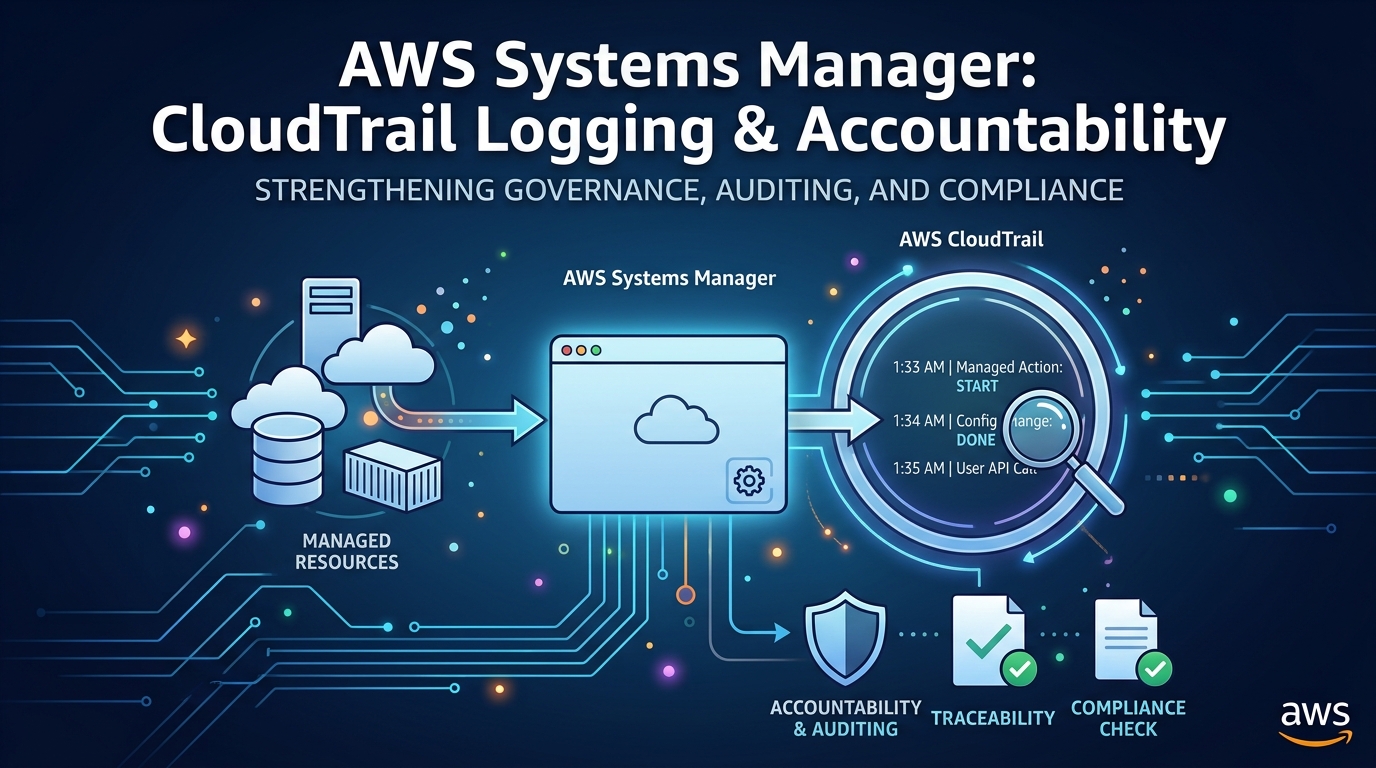
Auditability: All API invocations are logged in AWS CloudTrail, and interactive session streams can be encrypted with custom AWS KMS keys and logged directly to Amazon S3 or CloudWatch Logs.
Operational Security Best Practices
Apply Least Privilege to Managed Nodes: Scope custom node roles tightly around required capabilities rather than granting broad administrator permissions.
Enforce KMS Encryption: Ensure Parameter Store secrets and Session Manager communication channels utilize AWS KMS Customer Managed Keys (CMKs) with enforced key policies.
Constrain
iam:PassRoleUsage: Limit which IAM roles users can pass to SSM Automation documents to prevent unauthorized privilege escalation.Audit SSM API Activity: Enable continuous monitoring on
ssm:StartSession,ssm:SendCommand, andssm:GetParameterAPI calls through CloudTrail alerts and AWS Config rule evaluations.
By anchoring every operation directly to AWS IAM, AWS Systems Manager delivers a centralized, fully auditable, and scalable operational control plane aligned with modern enterprise security standards.