DevSecOps Best Practices for AWS Cloud Security | Quantum Bits
Insight
DevSecOps Best Practices for Securing AWS Cloud Environments
Tech TeamDecember 07, 2025
DevSecOps Best Practices for Securing AWS Cloud Environments
Qbits
DevSecOps Best Practices for Securing AWS Cloud Environments
Introduction: Why DevSecOps Matters for Cloud Security
Cloud platforms and modern delivery pipelines let teams ship many times a day. They also multiply the places where something can go wrong. A single misconfigured storage bucket, an over-permissive IAM role or a vulnerable open-source package can undo a lot of careful engineering.
Common risks in cloud-native environments include:
Misconfigured cloud resources
Exposed credentials and secrets
Vulnerable open-source dependencies
Excessive IAM permissions
Insecure application code
Vulnerable container images
Unpatched infrastructure
Insufficient runtime monitoring
DevOps made delivery fast. DevSecOps brings security into that same lifecycle, so it is evaluated continuously from the first commit to production operations rather than reviewed once at the end.
This article walks through eight DevSecOps best practices, using AWS as the running example, with practical configuration samples you can adapt. Where we show code, it is illustrative: it demonstrates a pattern, has limits we call out, and should be tailored to your own environment.
What Is DevSecOps?
DevSecOps extends DevOps by making security a shared, automated part of every stage of software delivery. Key ideas:
Shift-left security: find issues while code is still being written, when fixes are cheap.
Continuous security validation: checks run on every change, not only before release.
Security automation in CI/CD: scanners and policy checks are pipeline steps, not meetings.
Shared responsibility: developers, operations and security teams each own part of the outcome.
In practice, this means security checks become ordinary engineering workflow, like unit tests, instead of relying only on manual review before a release.
Traditional security approachDevSecOps approachSecurity review mainly before releaseSecurity checks throughout developmentManual vulnerability identificationAutomated security scanningSecurity owned mainly by a separate teamShared security responsibilityIssues discovered lateIssues detected earlierLimited runtime feedbackContinuous monitoring and response
About the author
Tech Team
Tech Team covers the latest in technology, offering helpful articles, practical guides, and expert insights to keep readers informed about digital trends, tools, and innovation.
Product strategyCloud architectureDevOps deliverySoftware support
Send us a message
Fill out the form below and we'll get back to you soon.
1. Embed Security Early Across Code and Infrastructure
A vulnerability found in a pull request costs a code change. The same vulnerability found in production can cost an incident. Start with the developer workflow.
Secure application development
Establish secure coding guidelines and enforce them through code review: validate input, check authentication and authorization on every sensitive path, and protect against common application vulnerabilities such as those in the OWASP Top 10. The OWASP ASVS is a useful checklist for what "good" looks like.
The testing toolbox
TechniqueWhat it doesExample toolsSAST (Static Application Security Testing)Analyzes source code for potential vulnerabilities without running itGitHub CodeQL, SonarQube, SemgrepDAST (Dynamic Application Security Testing)Probes a running application for vulnerable behavior in exposed interfacesOWASP ZAPSCA (Software Composition Analysis)Finds known vulnerabilities in third-party libraries and packagesDependabot, TrivyIaC scanningChecks Terraform, CloudFormation and similar definitions before resources are createdCheckov, Trivy (which now includes tfsec's checks), OPA with Conftest
Choose tools according to your languages, infrastructure and security requirements. Some are open source, some are commercial, and some (like CodeQL on private repositories) depend on your GitHub plan. Verify licensing before you commit.
Illustrative workflow: code and IaC checks before deployment
Purpose: fail a pull request when high-severity code, dependency or Terraform issues appear. Limitations: static tools produce false positives and cannot see runtime behavior. Pair them with DAST and runtime monitoring, and tune severity gates to your risk tolerance (more on that later).
2. Enforce Zero Trust and Least-Privilege Cloud Identities
Zero Trust means access is verified and explicitly authorized, not trusted because a request comes from "inside" the network. It is a model, not a product. No single AWS service delivers it, and it is never a one-time configuration. It shows up as a set of habits:
Strong identity verification and multi-factor authentication (MFA)
Least-privilege permissions and role-based access control
Short-lived credentials
Conditional access (for example, requiring MFA or specific conditions in policies)
Separation of duties
Regular access reviews
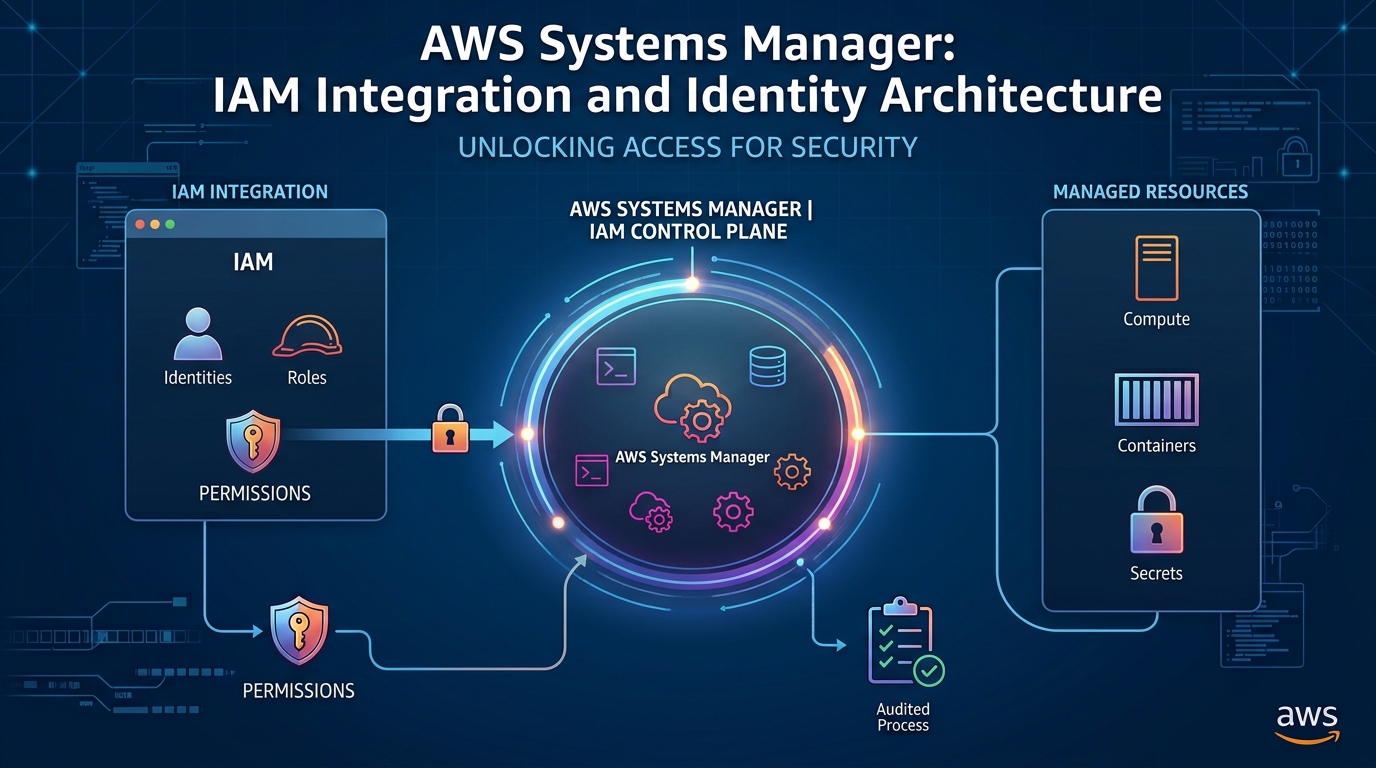
AWS IAM building blocks
IAM users: long-lived identities with their own credentials; avoid for people and workloads where possible.
IAM roles: identities assumed temporarily, with credentials that expire. The preferred choice for workloads, CI/CD and cross-account access.
IAM policies: JSON documents that define allowed or denied actions on resources.
IAM groups: collections of users for attaching permissions.
IAM Identity Center: centralized workforce access to multiple AWS accounts using temporary credentials and your identity provider.
Why roles over long-lived keys: an access key that leaks from a laptop, a log or a repository remains valid until someone notices. Temporary credentials limit that window by design.
Example: a scoped CI/CD role policy
This illustrative policy lets a pipeline push images to one ECR repository and nothing else:
How it applies least privilege: actions are listed explicitly rather than ecr:*, the resource is a single repository ARN rather than *, and the one wildcard (GetAuthorizationToken) is there because that action does not support resource-level scoping. Limitation: this policy covers pushing only. Deployment to ECS needs a separate, similarly scoped role.
Separate roles by purpose
Use different roles for developers (read access and sandbox changes), CI/CD pipelines (build and deploy only), applications (only the data and services each workload needs) and administrators (break-glass or elevated tasks, with MFA and logging). Separation of duties stops one compromised identity from owning everything.
Use IAM Access Analyzer
AWS IAM Access Analyzer helps identify resources shared with external principals and can flag policy risks, including validating policies against best practices and, in supported configurations, highlighting unused access. Review its findings regularly as part of access reviews.
3. Automate Compliance and Embed Cloud-Native Security Controls
When infrastructure changes dozens of times a week, manual audits cannot keep up. Compliance as Code and Policy as Code express your rules in machine-checkable form so they are evaluated on every change and continuously afterward. The building blocks are:
Automated validation of infrastructure definitions before deployment
Configuration monitoring of what actually exists in your accounts
Continuous security assessments
Findings routed to owners with a clear remediation workflow
AWS-native services
ServiceRole in DevSecOpsAWS ConfigRecords resource configurations and evaluates them against rules (managed or custom), showing when resources drift from your standardsAWS Security HubAggregates security findings from AWS services and supported integrations, giving a central view of posture and standards-based checksAmazon GuardDutyDetects potential threats by analyzing supported data sources such as CloudTrail events, VPC flow logs and DNS logs, together with threat intelligenceAWS CloudTrailRecords account activity and API calls for auditing and investigationAWS Organizations and AWS Control TowerMulti-account governance: service control policies, guardrails (preventive and detective controls) and consistent baselines across accounts
These services are AWS-native and most are billed by usage, so enable them deliberately and check pricing and regional availability.
Policy-as-code tools (open source and third party)
OPA with Conftest lets you write rules in Rego and test them against Terraform plan output. Checkov and Trivy ship built-in policy libraries. Terraform ecosystems also offer their own policy tooling, some of it paid. These tools can block non-compliant changes before they reach AWS.
Example: a Terraform security check in CI
# .github/workflows/terraform-checks.yml  (illustrative)
name: terraform-checks
on:
  pull_request:
    paths: ["infra/**"]

permissions:
  contents: read

jobs:
  terraform-security:
    runs-on: ubuntu-latest
    defaults:
      run:
        working-directory: infra
    steps:
      - uses: actions/checkout@<full-commit-sha>   # v4
      - uses: hashicorp/setup-terraform@<full-commit-sha>  # v3

      - name: Init and plan (no apply)
        run: |
          terraform init -backend=false
          terraform plan -out=tfplan
          terraform show -json tfplan > tfplan.json
        # Planning against real state would need read-only AWS access via OIDC.

      - name: Static IaC scan with Checkov
        run: |
          pip install checkov
          checkov -d . --framework terraform --quiet

      - name: Enforce custom policy with Conftest
        run: |
          # install conftest from its official release, pinned and verified
          conftest test tfplan.json --policy ../policy/
A matching Conftest rule might deny any S3 bucket plan without server-side encryption. Limitations: a passing scan means the checked rules passed, not that the environment is secure or compliant with any regulation. Compliance automation supports continuous validation; it does not by itself guarantee regulatory compliance, which also depends on processes, evidence and audit.
4. Centralize Secrets and Key Management
Passwords, API keys and database credentials in source code, workflow files or plain config files tend to leak: through repository access, logs, container layers and developer laptops. Centralize them, control access with IAM, and keep an audit trail.
AWS Secrets Manager
Stores application secrets securely, with IAM-controlled access, audit through CloudTrail, integration with supported AWS services, and rotation where supported and configured (rotation is not automatic until you set it up).
AWS Systems Manager Parameter Store
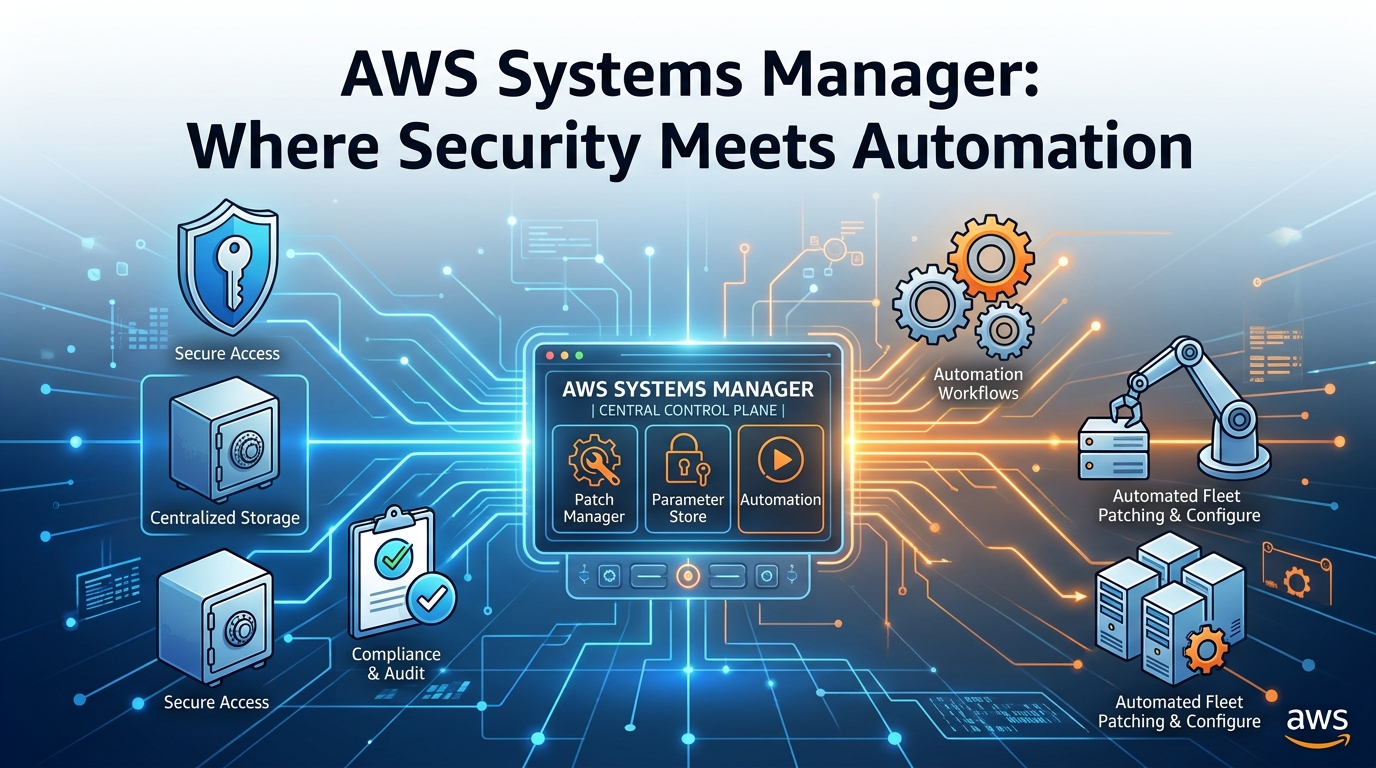
Stores configuration values, with SecureString parameters (encrypted with KMS) for sensitive ones, IAM-based access control and integration with deployment and automation workflows. It suits configuration and simpler secrets; Secrets Manager adds richer rotation and secret-specific features. For how Parameter Store fits into broader automation, see AWS Systems Manager: Where Security Meets Automation.
AWS Key Management Service (KMS)
Manages encryption keys, controlled by key policies and IAM permissions, integrated with many AWS services, with key rotation options where applicable and CloudTrail auditing of key use.
Secrets vs. keys: a secret is a value your application presents to something else (a database password, a third-party API token). An encryption key protects data at rest or in transit and, in KMS, never leaves the service in plaintext for most uses. Secrets Manager and Parameter Store themselves use KMS to encrypt what they hold.
Runtime retrieval without embedding secrets
The simplest safe pattern on ECS is to reference the secret in the task definition so ECS injects it into the container at start-up:
The task execution role needs secretsmanager:GetSecretValue on that one secret (plus kms:Decrypt if a customer-managed key is used). Alternatively, the application can call the API at runtime using its task role:
import boto3, json

client = boto3.client("secretsmanager", region_name="us-east-1")
secret = json.loads(
    client.get_secret_value(SecretId="orders/db")["SecretString"]
)
db_password = secret["password"]   # never log or print this value
No credential appears in the code: the SDK obtains temporary credentials from the role. Limitations: anything injected into an environment variable can still be exposed by a compromised process or careless logging, so scope permissions tightly and avoid dumping environment data.
Credentials in GitHub Actions
Use repository or environment secrets for values that must live in GitHub, with environment protection rules and required reviewers for production.
Prefer OIDC-based AWS authentication so the workflow assumes an IAM role with short-lived credentials and no stored AWS keys.
Never hardcode credentials in workflow files.
5. Harden the Software Supply Chain
A modern application is mostly code you did not write: libraries, base images, registries, build tools and third-party GitHub Actions. Each is a link in the chain. Typical risks include vulnerable dependencies, malicious packages, compromised build workflows, unverified container images, tampered artifacts and unmaintained third-party actions.
Dependency management and SBOMs
Keep an inventory of dependencies, scan for known vulnerabilities, update promptly, and review transitive dependencies (the dependencies of your dependencies). An SBOM (Software Bill of Materials) is a machine-readable list of the components in a build, such as packages and versions, often in SPDX or CycloneDX format. When a new vulnerability is announced, an SBOM lets you answer "are we affected?" quickly. Tools like Trivy and Syft can generate them.
Container image security
Start from trusted, minimal base images to reduce attack surface.
Scan images for vulnerabilities in CI and in the registry.
Run containers as a non-root user.
Use a controlled registry and restrict who can push.
Sign and verify images.
Amazon ECR offers image scanning. Basic scanning checks images for known vulnerabilities and can run on push; enhanced scanning integrates with Amazon Inspector for continuous scanning of OS and programming-language package vulnerabilities (additional cost applies). Enable scan-on-push or enhanced scanning at the registry level and review which repositories are covered, since capabilities and defaults vary by configuration.
The IAM role's trust policy should restrict which repository, branch or environment can assume it (using the OIDC sub claim), otherwise any workflow in your organization could request those credentials.
Artifact integrity
Signing lets you prove an image or artifact came from your pipeline and was not altered. Sigstore Cosign (open source) supports signing and verification, including keyless signing using the workflow's OIDC identity. Verify signatures at deploy time, for example with an admission controller on Kubernetes, rather than only signing and never checking.
CI/CD workflow security
Pin third-party GitHub Actions to full commit SHAs, since tags can be moved.
Set the default GITHUB_TOKEN to least privilege with an explicit permissions: block.
Protect deployment environments with required reviewers.
Review changes to .github/workflows/ as carefully as production code (CODEOWNERS helps).
Use OIDC rather than long-lived AWS keys.
These controls protect the path from source code to production, which attackers increasingly target because it often holds powerful credentials.
6. Implement Runtime Security for Ephemeral and Containerized Workloads
Pre-deployment scans only see what is known at build time. They cannot catch a zero-day in a library, a stolen credential, a malicious insider or a misused permission. Runtime security watches what workloads actually do.
This is harder with containers, Kubernetes, short-lived compute, auto-scaled fleets, microservices and serverless functions: instances appear and vanish within minutes, and there is often no host to log into. Monitoring must be built into the platform rather than bolted onto individual servers.
Amazon GuardDuty
GuardDuty analyzes supported data sources for threats at the account and workload level. Optional protection plans add coverage for areas such as S3, EKS audit logs and runtime behavior; GuardDuty Runtime Monitoring uses an agent to observe OS-level activity on supported EKS, ECS (including Fargate) and EC2 workloads. These features must be enabled and configured, and coverage depends on supported platforms, so check which of your clusters and tasks are actually covered.
Amazon EKS security
Kubernetes RBAC scoped by namespace and role
Pod security controls (Pod Security Standards or admission policies) to block privileged containers
Network policies to restrict pod-to-pod traffic
Workload identity (IAM Roles for Service Accounts or EKS Pod Identity) so pods get narrow AWS permissions
Container image security and signature verification at admission
Cluster and audit logging enabled and shipped to CloudWatch or your SIEM
Amazon ECS security
Task roles for application permissions and task execution roles for pulling images and secrets, kept separate and minimal
Task-level isolation and, with Fargate, an isolated kernel per task
Network configuration with private subnets, tightly scoped security groups and no public IPs unless required
Secrets injection from Secrets Manager or Parameter Store
Image scanning in ECR
Runtime detection tools
Falco (open source) and other eBPF-based tools observe system calls and kernel events to detect suspicious process execution (a shell spawned inside a web container), unexpected outbound connections, reads of sensitive files, or privilege escalation attempts. Run them as part of a defined detection and response process, with someone responsible for tuning rules and handling alerts.
Immutable infrastructure
If containers and instances are built from versioned images and never modified by hand, a suspect workload can simply be replaced with a known-good version after you capture evidence, rather than trusting a manually patched system. Drift becomes visible and rollbacks become routine.
No single tool protects every container or serverless function automatically. Combine platform controls, runtime monitoring, logging and least-privilege identities.
7. Leverage AI/ML for Proactive Threat Detection
Cloud environments produce enormous volumes of telemetry: API calls, network flows, DNS queries, authentication events. Machine learning and behavioral analytics help surface patterns humans would miss at that scale, such as:
Unusual login patterns (new geography, odd hours, impossible travel)
Unexpected API activity or calls to rarely used services
Abnormal access to sensitive resources
Unusual network communication
Potential privilege escalation
Suspicious workload behavior
Rule-based detection matches known bad patterns: precise, explainable, but blind to anything unlisted. Behavior-based anomaly detection learns what is normal for your environment and flags deviations, which can reveal novel activity but is noisier by nature.
Amazon GuardDuty combines threat intelligence, rule-based detections and anomaly-detection approaches across its supported data sources, and it integrates with Security Hub and EventBridge so findings can flow into ticketing or response workflows. Other analytics capabilities (for example, in Amazon Detective for investigation, or third-party SIEM tools) can add context. Verify which detections are available in your Region and plan.
Practical limitations
False positives and alert fatigue if findings are not tuned and prioritized
Detection delay: models may need time to learn normal behavior, and some findings arrive minutes after the activity
Data quality: gaps in logging create blind spots
Human investigation is still needed to decide what a finding means
Automated remediation risk: auto-isolating a production workload on a false positive can cause an outage. Start with automation for low-risk, reversible actions and keep approval steps for disruptive ones.
AI/ML augments security engineers. It does not independently prevent every attack or replace human judgment.
8. Foster Security Awareness and a Shared Responsibility Culture
Tools do not secure systems on their own. DevSecOps works when people, process and technology move together:
Secure coding and cloud security training relevant to the stack your team actually uses
Threat modeling during design (what can go wrong, and what do we do about it?)
Peer code reviews with security in the checklist
Security champions: developers embedded in teams who act as a bridge to the security group
Incident response exercises (tabletops and game days) so the first real incident is not the first rehearsal
Cross-team security reviews and post-incident learning that is blameless and produces tracked actions
Regular access and permission reviews
Involve developers, DevOps engineers, security staff and business stakeholders, and assign ownership explicitly: who triages findings, who approves exceptions, who is on call for security events.
The AWS Shared Responsibility Model
AWS is responsible for security of the cloud: the physical facilities, hardware, and the software that runs managed services. You are responsible for security in the cloud: your IAM design, data classification and encryption choices, network configuration, operating system patching on EC2, application code, and the configuration of every service you use. How the line falls depends on the service. It moves toward AWS for managed and serverless services and toward you for EC2.
Implementing DevSecOps Best Practices in an AWS CI/CD Pipeline
Here is how the eight practices fit together in one illustrative delivery pipeline for a containerized API deployed to Amazon ECS (the same flow applies to EKS):
A developer submits code through a pull request.
Code review and automated tests run.
SAST and dependency scanning run.
Terraform changes are validated with IaC and policy checks.
The container image is built and scanned.
GitHub Actions authenticates to AWS using OIDC.
Approved artifacts are pushed to Amazon ECR (and signed).
The application is deployed to ECS or EKS.
AWS security services monitor the running environment.
Findings are reviewed and fed back into the development backlog.
This is a sketch. A real pipeline would register a new task definition revision for the verified image, wait for service stability, and roll back on failure.
Prioritizing findings
Not every finding is equal. Rank by severity, exploitability (is there a known exploit, is the vulnerable code path reachable?), exposure (internet-facing or internal?) and business impact (what data or service is at stake?). A critical vulnerability in an internal batch job may rank below a medium issue on a public login endpoint.
That is why not every finding should block every deployment. Agree risk-based policies in advance: for example, block on critical or high findings with a known fix on internet-facing services, and require a documented, time-limited exception (with an owner and expiry date) for anything else. Policies that are never allowed to bend get bypassed; policies with clear exception paths get followed.
Common DevSecOps Mistakes to Avoid
MistakeRiskPractical improvementTreating security as a final deployment-stage activityLate, expensive fixes; release delaysAdd automated checks from the pull request onwardGranting excessive IAM permissionsLarge blast radius if an identity is compromisedStart from zero, scope actions and resources, review with Access AnalyzerStoring secrets in source codeLeaks through repositories, forks and logsUse Secrets Manager or Parameter Store; enable secret scanning; rotate anything exposedIgnoring third-party dependency risksKnown vulnerabilities and malicious packages enter productionAutomate SCA, generate SBOMs, pin and review dependenciesDeploying unscanned container imagesKnown CVEs run in productionScan in CI and in ECR; use minimal, trusted base imagesSkipping infrastructure security validationMisconfigurations (public buckets, open security groups) reach AWSRun IaC and policy checks on every planIgnoring runtime monitoringAttacks and drift go unnoticedEnable GuardDuty, CloudTrail, Config and workload logging; define who respondsGenerating too many unprioritized alertsAlert fatigue; real issues missedPrioritize by severity, exposure and impact; tune rules and suppress with justificationAssuming compliance tools guarantee complianceFalse confidence; audit gapsTreat tools as evidence sources and keep human-owned processesRelying entirely on automated toolsLogic flaws and design weaknesses missedKeep code review, threat modeling and periodic expert assessmentFailing to establish clear security ownershipFindings sit unresolvedAssign owners, SLAs and escalation paths
How Qbits Helps Businesses Build Secure Cloud Environments
Qbits is a product-first software and cloud engineering partner. Secure delivery is part of building reliable products, and the best time to design it is before the architecture hardens. Through Cloud & Platform Engineering and our wider services, we can help organizations with:
AWS cloud infrastructure design and security
Secure CI/CD pipeline implementation
Infrastructure as Code using Terraform
IAM and least-privilege access design
Containerized application security
Cloud monitoring and observability
Security automation
Cloud operations and ongoing optimization
A typical engagement starts by assessing your existing cloud environment, identifying security gaps, and designing practical controls matched to your risk and team size. From there we integrate security into delivery workflows and improve production operations, so security becomes part of how your team ships, not a gate at the end. Learn more on the Qbits homepage.
Conclusion
Effective DevSecOps best practices work together: early security validation in code and infrastructure, least-privilege identities, automated compliance checks, centralized secrets and key management, software supply chain protection, runtime monitoring, intelligent threat detection, and a culture where security is a shared responsibility.
None of these is a one-time project, and no tool or service delivers security by itself. The main message is simple: cloud security should be integrated into every stage of software delivery and continuously maintained after deployment.
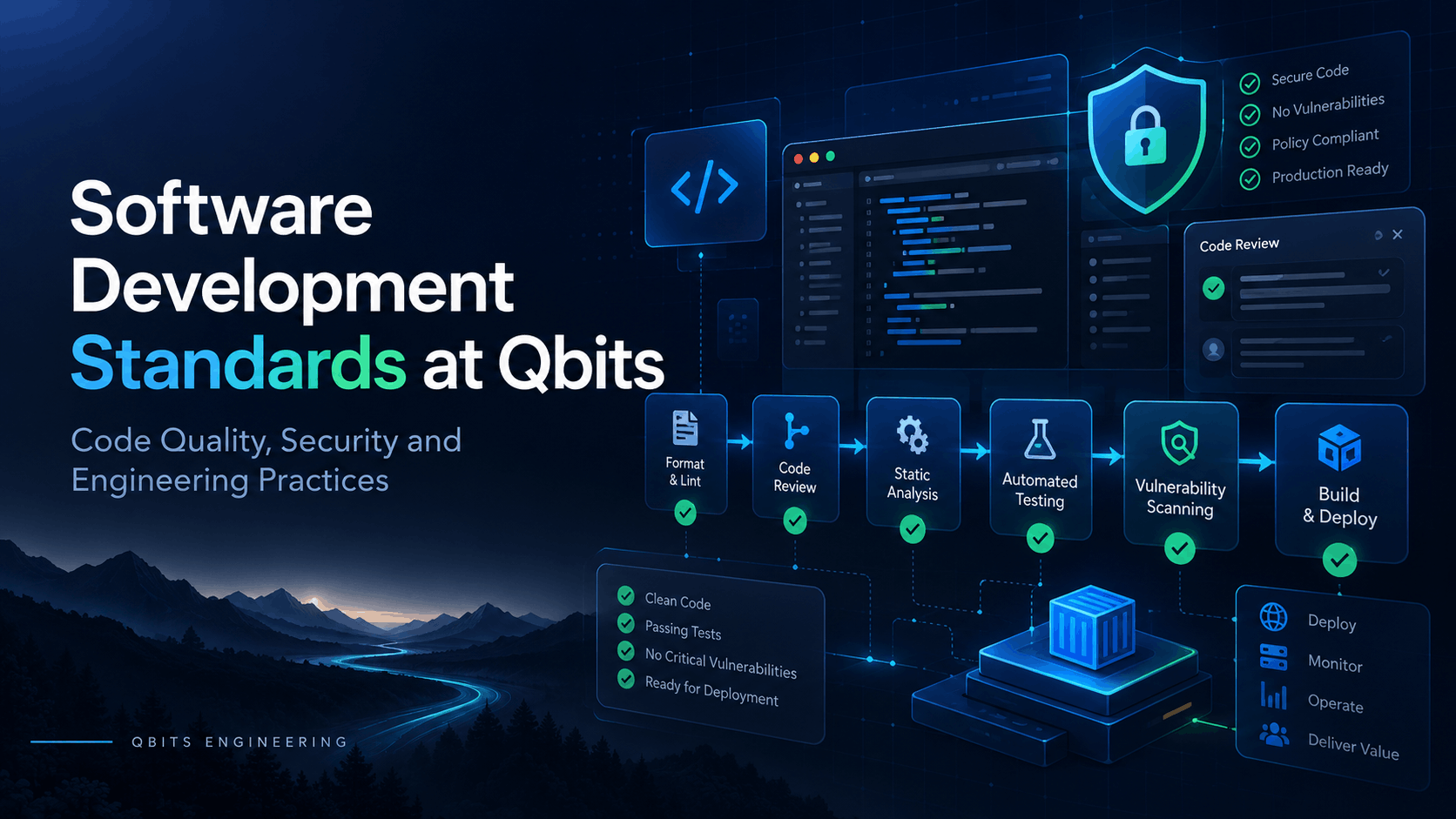
Software Development Standards at Qbits: How We Build Clean, Secure and Maintainable Software
Software Development Standards at Qbits: How We Build Clean, Secure and Maintainable Software Building software that works is only the beginning. At Qbits, we...